
Overview
The most useful artificial intelligence is not one isolated in a chat window, but one that understands your context, accesses the right information, and participates in the actual workflow.
In Looplex, AI operates in two complementary ways to adapt to your routine:
- Looplex Copilot: The artificial intelligence works interactively by your side, within the system you are already navigating.
- Looplex Autopilot: The platform receives a goal, document, or event and conducts a structured work order, following your organization’s playbooks.
The main difference lies in control: in Copilot, you drive each step of the task interactively; in Autopilot, you govern and supervise the automated execution by the platform.
Copilot and Autopilot: When to use each?
Both experiences share the same data, permissions, and knowledge repositories of your platform, but they operate under different logics:
- How it starts: Copilot is triggered by specific questions or commands. Autopilot is initiated by a goal, document, event, or work order.
- Mode of action: Copilot has an interactive and contextualized approach. Autopilot has a persistent, results-oriented approach.
- Primary interface: Copilot works embedded within the system in use. Autopilot is managed via Looplex Workbench and integrations.
| Criterion | Copilot | Autopilot |
|---|---|---|
| Who drives | The user | The platform, within the playbook |
| Human role | Immediate direction | Goal definition, supervision, and approval |
| Operational unit | Interaction or session | Work order |
| Persistence | Does not maintain independent execution by default | Maintains state, history, and continuity |
| Typical start | Question or bounded command | Goal, document, event, or structured request |
| Context | Screen, record, and selected objects | Consolidated context from different sources and systems |
| Duration | Short and synchronous | Synchronous or asynchronous; potentially long |
| Batch processing | No | Yes |
| Direct upload | Not available in the native interface | Available as input for a work order |
| Structured extraction | Query of existing data | Persistent production of new structured data |
| System updates | Point-in-time actions, usually confirmed | Steps foreseen by the playbook and permissions |
| Typical result | Answer, explanation, recommendation, or draft | Work product, dataset, document, or system update |
| Main interface | Drawer, tab, or contextual modal | Workbench, APIs, events, and integrations |
| Commercial consumption | Interactive use included | AI credits per execution |
| Control model | Continuous human-in-the-loop | Risk-based review windows for human validation at each step |
From a question to a work order
Imagine you are analyzing a banking litigation case. You can open the case file and ask Copilot: “What are the plaintiff’s allegations regarding vitiated consent and product switching?” Copilot will use the open case’s context to respond immediately.
Next, you can take a step further: “Analyze all documents, link the evidence to each allegation, and prepare the defense strategy.” Because this second request requires structured work across several steps, Copilot will present the scope, the applicable playbook, and the expected results. Upon your confirmation, Autopilot will take charge, creating an independent work order that you can supervise in the Workbench.
Interactive questions remain in Copilot; complex work is delegated to Autopilot.
Bring your context to other environments
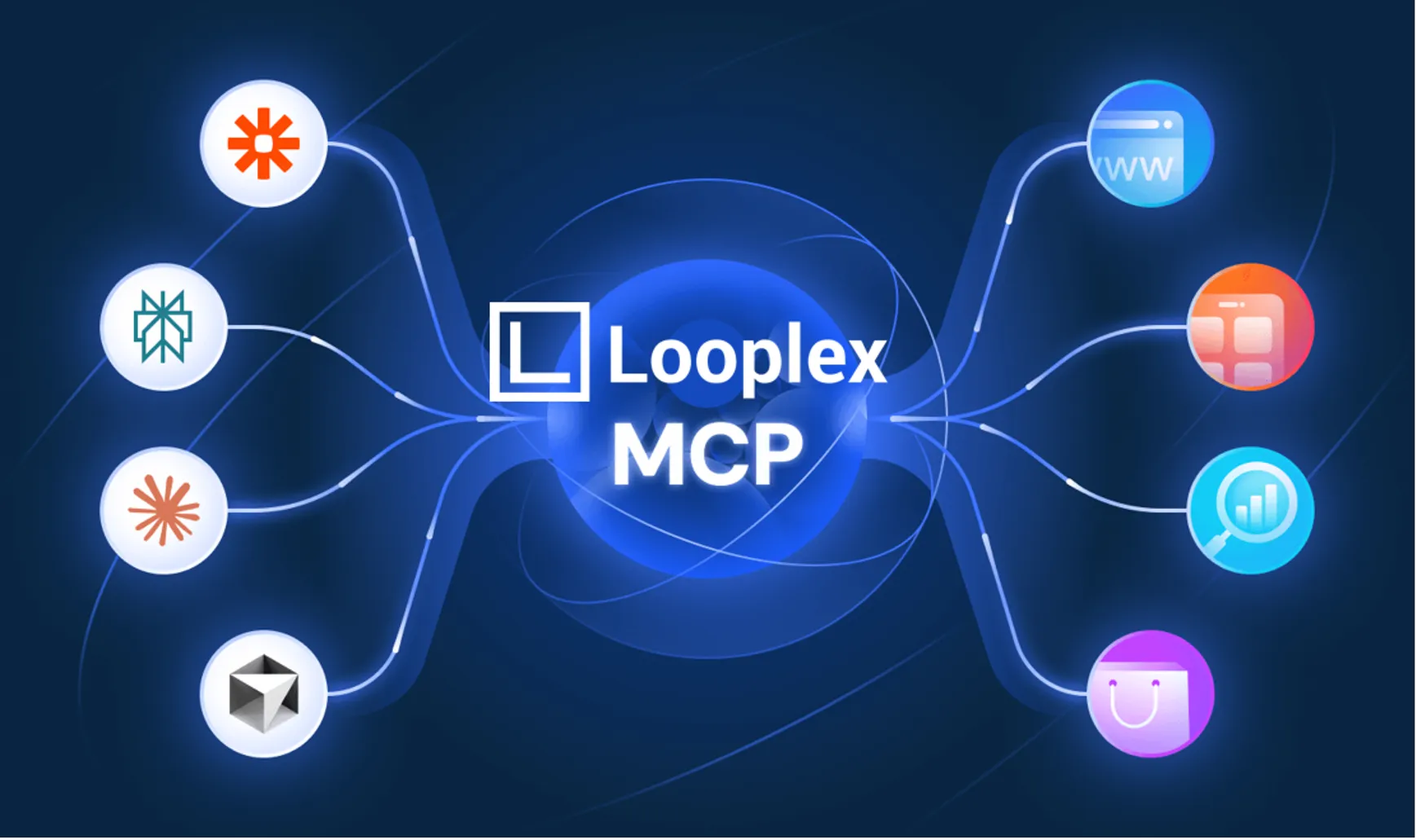
Through connectors compatible with the Model Context Protocol (MCP), you can also make Looplex’s authorized tools and data available in external environments, such as ChatGPT and Claude. This allows you to consult your cases, legal drafts, and knowledge bases directly within these interfaces, without needing to manually attach files to every conversation.